A Real Backup Solution: The Synology DS1525+ for Photographers & Filmmakers
the uncomfortable truth
Every photographer or cinematographer has a version of this story. You've been shooting for a few years now and you've filled drive after drive with RAW files, ProRes footage, and finished edits. Maybe you even feel like your files are safe since you manually back up one external drive to another or have a RAID installed. Then one morning, the drive doesn't mount, or the enclosure throws an error, or worse, you realize you accidentally deleted an entire folder two months ago, and every backup you have is just a mirror of the same mistake. I’ve personally had it happen, more than once, before I bit the bullet and invested in a real backup strategy.
If you're running a single external drive or even a desktop RAID setup, you have storage, but that’s not a backup strategy. There's a significant difference between the two, and a NAS (Network Attached Storage) should be your first step. Something I wish I had learned much sooner then I actually did,
Let’s be real here, there’s nothing fun or exciting about spending money on storage devices, especially when you can put that money towards a new lens or camera. No one likes doing it, but sadly, it’s an investment that needs to be prioritized and something most end up waiting too long to do.
A RAID is typically what a lot of creatives look to first, I did the same. I’m still using one in my current setup which you’ll see a little further down. However, a RAID alone isn’t a reliable backup solution. I’ve personally had an entire unit fail on me. A RAID mirrors data across two or more drives, protecting you from a single drive failure. This makes it a better option then a plain ol’ single external drive but it does nothing to protect you from:
Accidentally deleting a folder (which mirrors instantly to both drives)
Ransomware (which encrypts both drives simultaneously)
Theft or fire (both drives are in the same box, on the same desk)
Filesystem corruption (which can propagate across the array)
I used to think that a RAID was all I needed to keep my files safe and properly backed up. That worked great until an entire RAID unit fail on me, thankfully, I had everything backed up to a cloud service. I’ve also accidentally deleted a folder and emptied my trash bin, something that I still can’t believe that I did. I even sent the entire RAID unit to a data recovery company, who were unable to restore the folder. Thankfully, I didn’t lose any client files, but I did lose personal photos.
This is where the 3-2-1 rule comes in, and it's the framework that separates professionals who sleep well from those who don't.
The 3-2-1 Rule
The 3-2-1 rule is simple: keep 3 copies of your data, on 2 different types of media, with 1 copy stored offsite (cloud storage).
For a working photographer or filmmaker, that maps out like this:
Copy 1: Your primary working archive on the NAS, organized and accessible from your workstation.
Copy 2: An external drive or RAID
Copy 3: An offsite backup, either to Synology's own C2 cloud storage or a NAS at a second location (home if you work in a studio, or a trusted colleague's space)
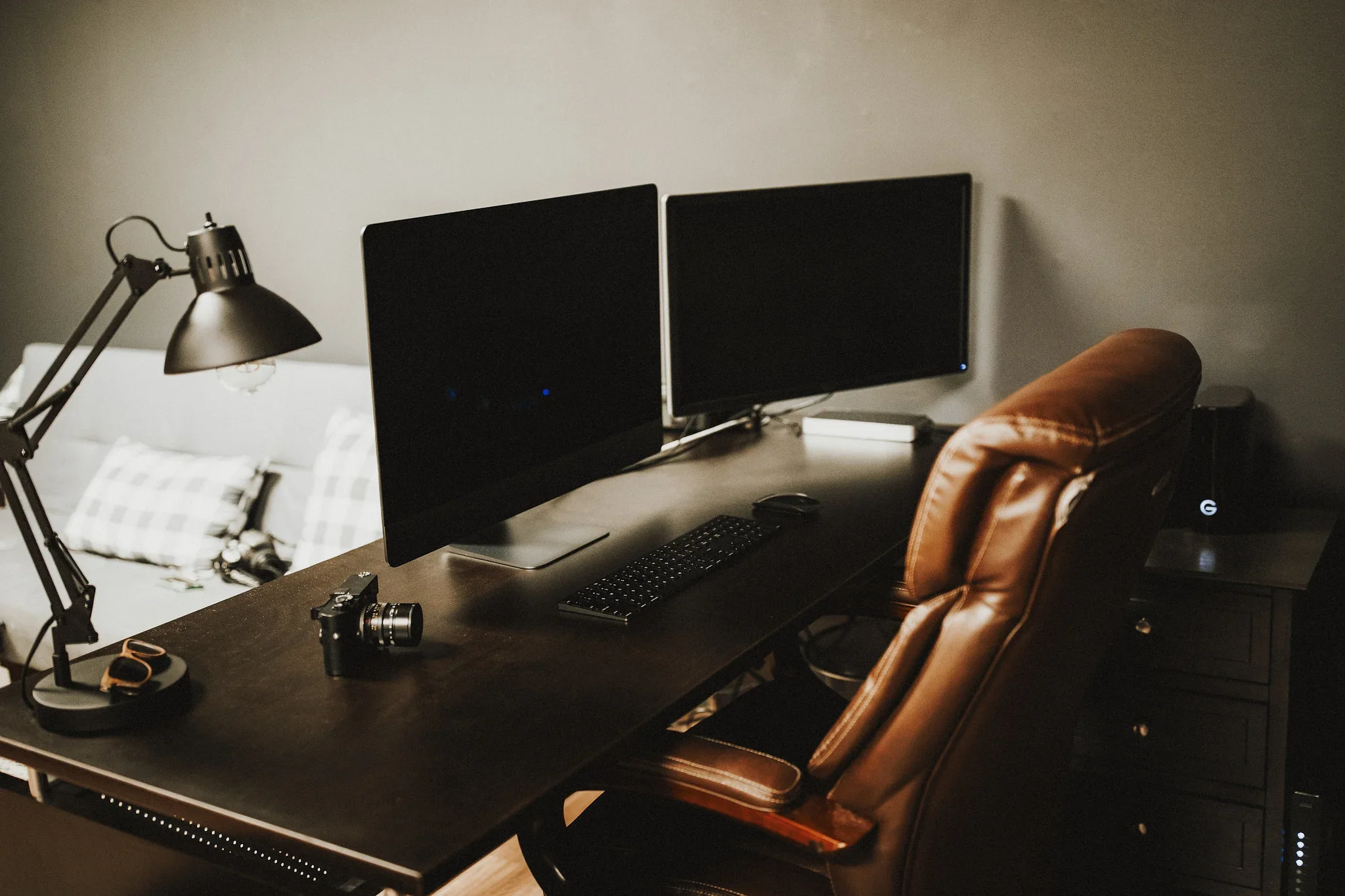
I have a system in place now that I’ve built over the years to provide a seamless workflow around this rule. Immediately after a wedding or a shoot, I upload my cards directly to my NAS (DS1525+) as well as a separate 4-bay OWC RAID unit. The RAID unit can be swapped out for a single external drive, which would still give you two copies of each file (NAS + External Drive). My 3rd copy is backed up to a cloud service (Backblaze), which gives me the peace of mind of knowing that I have a copy of my files off-site.
WHY A NAS?
For years, I had talked myself out of purchasing a NAS. Instead, I chose to purchase RAID units, thinking this was the best route. A NAS always seemed intimidating or too complicated to set up and use compared to a RAID unit. I had also assumed that a NAS cost more than a RAID unit. I was wrong about both and wish I had done the proper research much earlier in my career. They’ll roughly run you around the same price, with a NAS offering much more for your buck.
These are the main advantages of a NAS over a simple RAID unit.
Aside from offering redundancy, a NAS offers a lot more than a simple RAID unit. A NAS has its own operating system and operates more like a server or media hub which can be accessed from anywhere with a wifi connection.
A NAS offers easier file sharing, much like your own personal Dropbox server. This was the biggest selling point for me personally, simply being able to access my NAS from anywhere and permitting others to do the same when it’s needed.
A NAS, specifically a Synology NAS, offers a very user-friendly interface and operating system that makes setup easy. You no longer need to be a network engineer to install a Synology NAS, it walks you through the entire setup step by step.
Available cloud storage to back up your NAS offsite.
A Synology NAS offers several different apps you can take advantage of, including a surveillance station for running security cameras, media servers such as Plex (your own personal Netflix) for storing and watching movies, hosting small websites, or even running Docker containers for those looking to up their AI game.
Real-World WorkflowS
For Photographers
Unlike a directly connected external drive, you can’t run Lightroom off of a NAS. However, you can house all your RAW files on the NAS while running Lightroom on your PC, laptop, or external drive. With your Lightroom or Capture One catalog pointed at the NAS over the local network, and NVMe caching enabled, culling and editing feels like you’re working from a local SSD. Especially, with the 10Gbe card installed. The RAW files live on the NAS rather than an external drive; the catalog metadata is cached on NVMe; your catalog points directly to the NAS to sync RAW files for culling and editing.
Another option is to use the NAS as your own personal cloud storage while still using an external drive for culling and editing. I personally create a new Lightroom catalog for each client within a folder that holds all of their info and RAW files. This allows me to easily transfer a client folder off of the NAS and onto an external drive or RAID to work on. I follow a strict 3-2-1 rule up until the client gallery is delivered and album is ordered. One copy on the NAS, one on my RAID, and a third being the actual cards which I don’t format until all deliverables are received by the client. At this point, my cards go back into the mix and my 3rd copy then becomes the client’s online gallery.
For Cinematographers
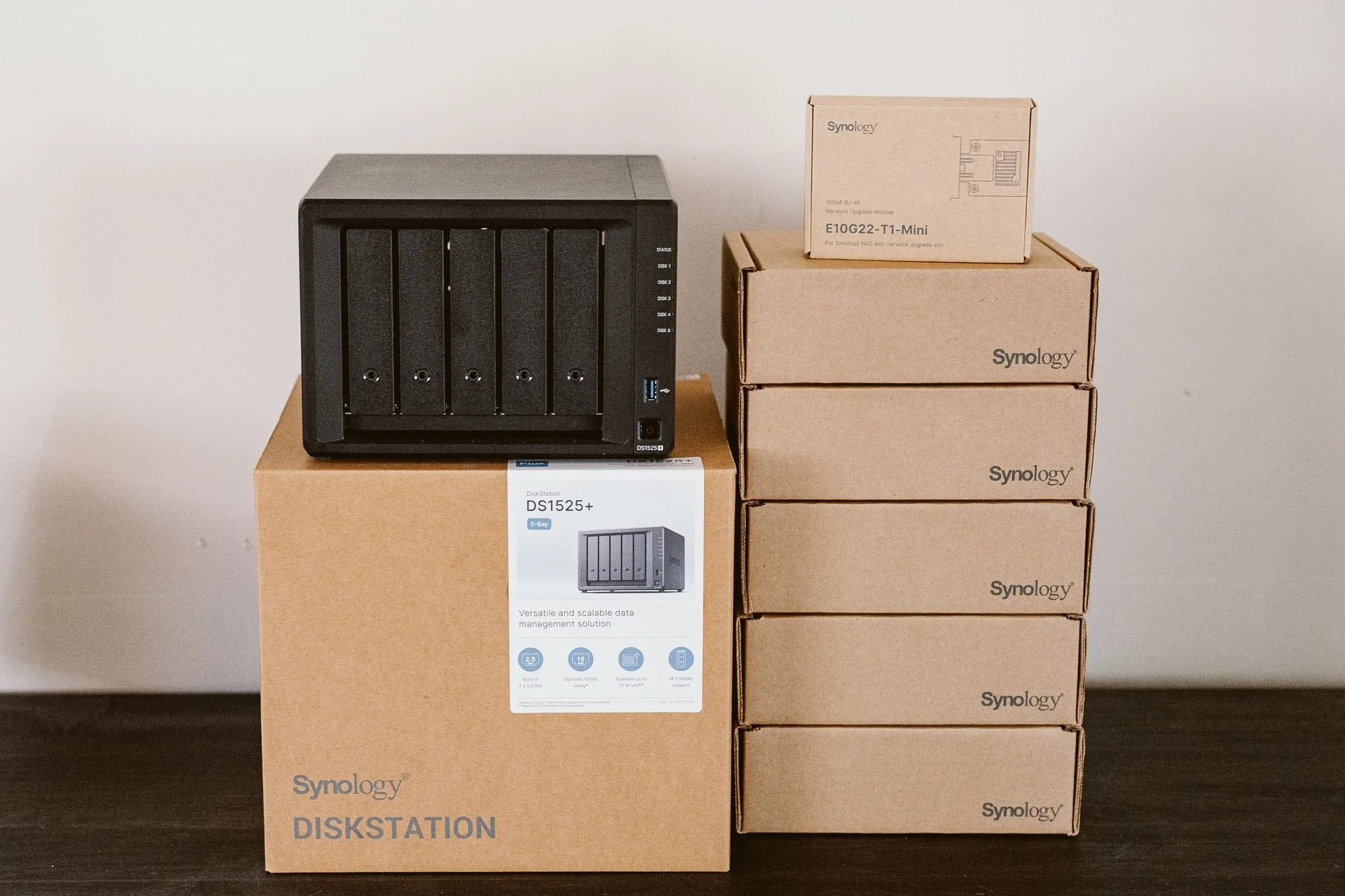
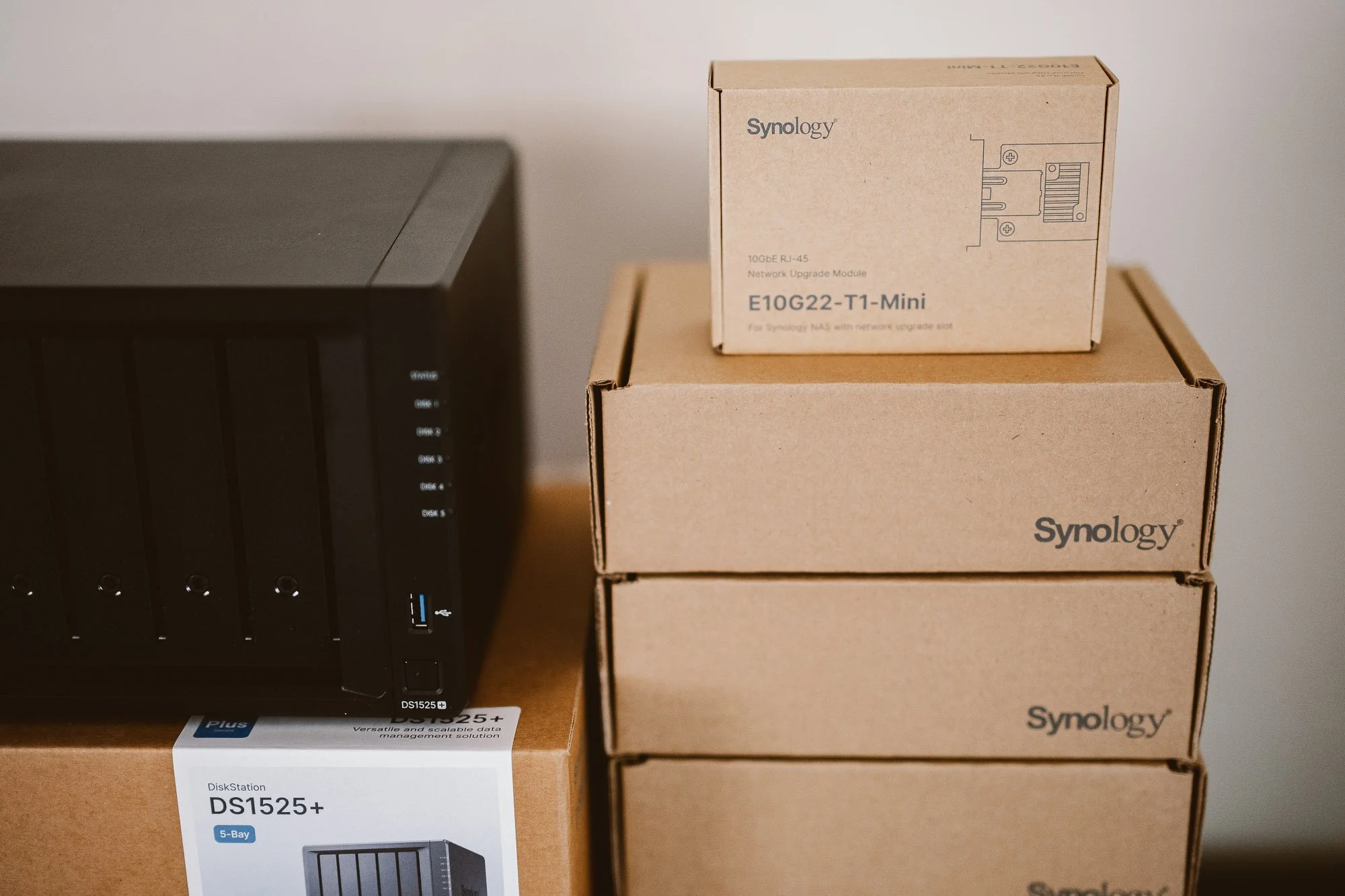
The DS1525+ ships with dual 2.5 Gigabit Ethernet ports, which comfortably supports streaming ProRes 422 HQ or H.264 directly to an editing workstation. For heavier workflows involving ProRes RAW, ARRIRAW, or RED footage, the DS1525+ includes a PCIe slot for Synology's 10GbE upgrade module, which I have installed on both of my NAS units. At 10Gbe speeds, you're looking at theoretical throughput over 1,000 MB/s, plenty of speed for uncompressed 4K and beyond directly from the archive.
Multi-User Studios
DSM's (Synology’s Operating System) folder system lets you create shared folders with access controls. Photographers, retouchers, and studio managers can each have different access levels to different folders. Multiple users can be actively reading and writing to the NAS at the same time without conflicts.
Why the DS1525+ Specifically
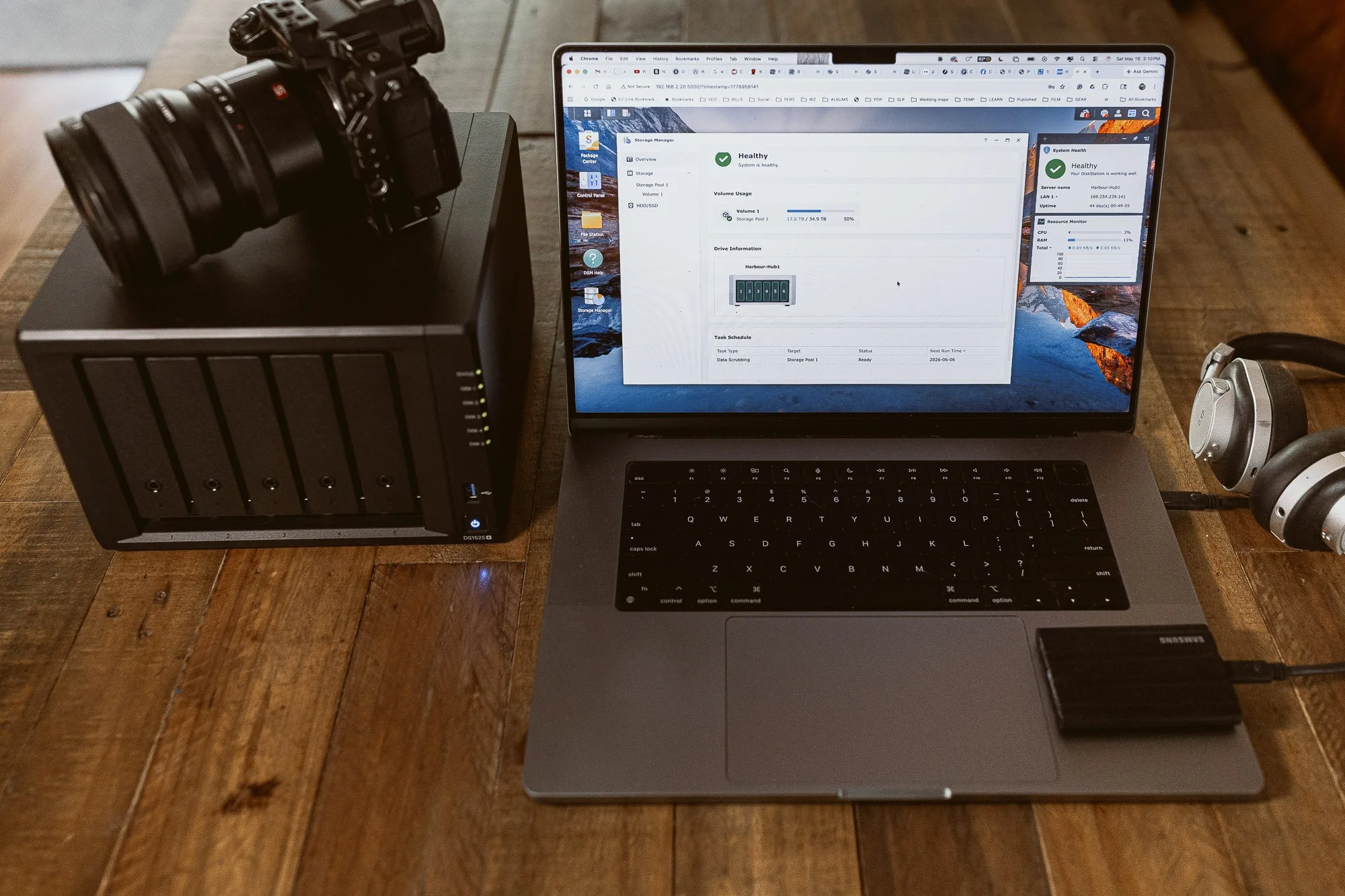
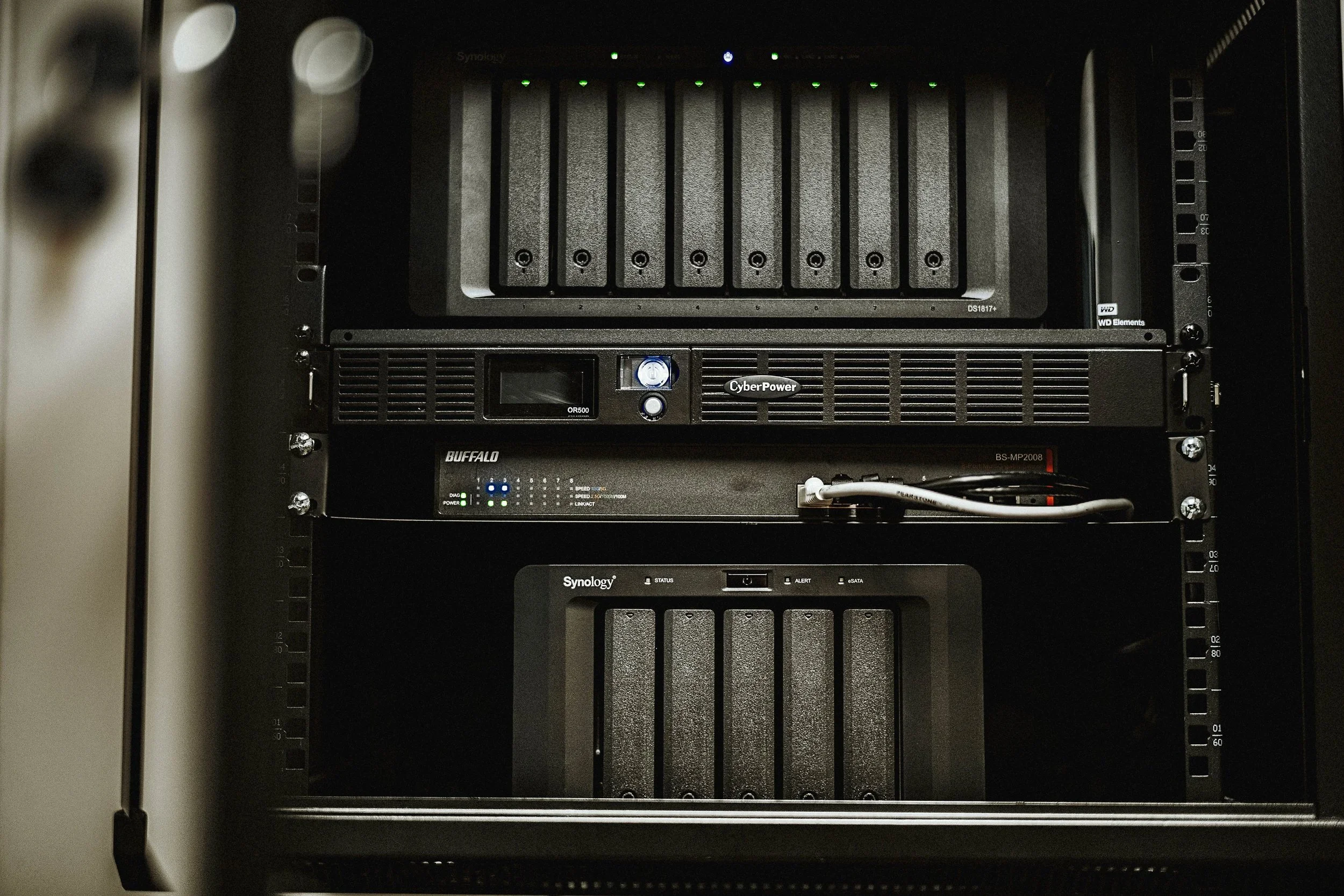
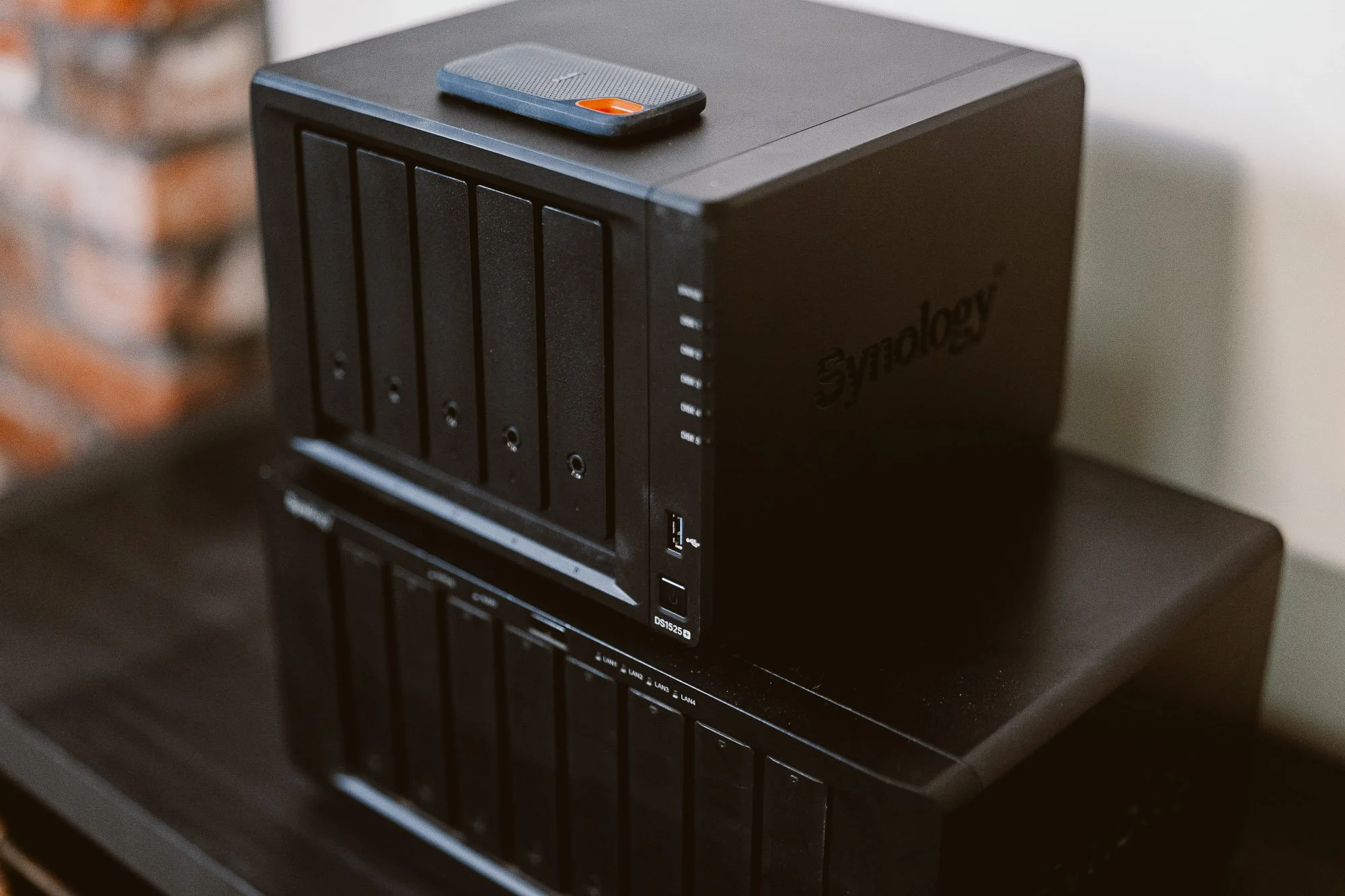
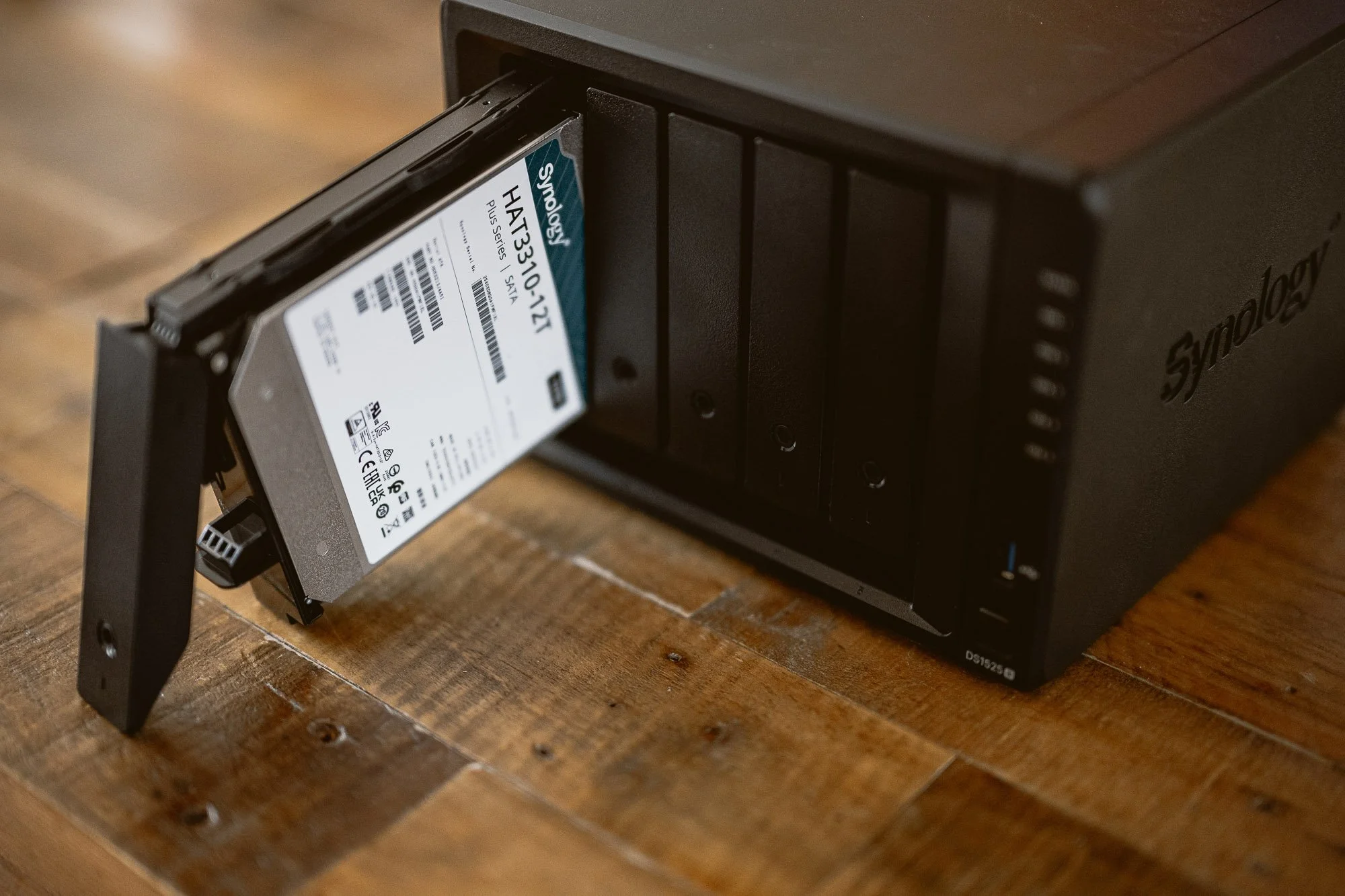
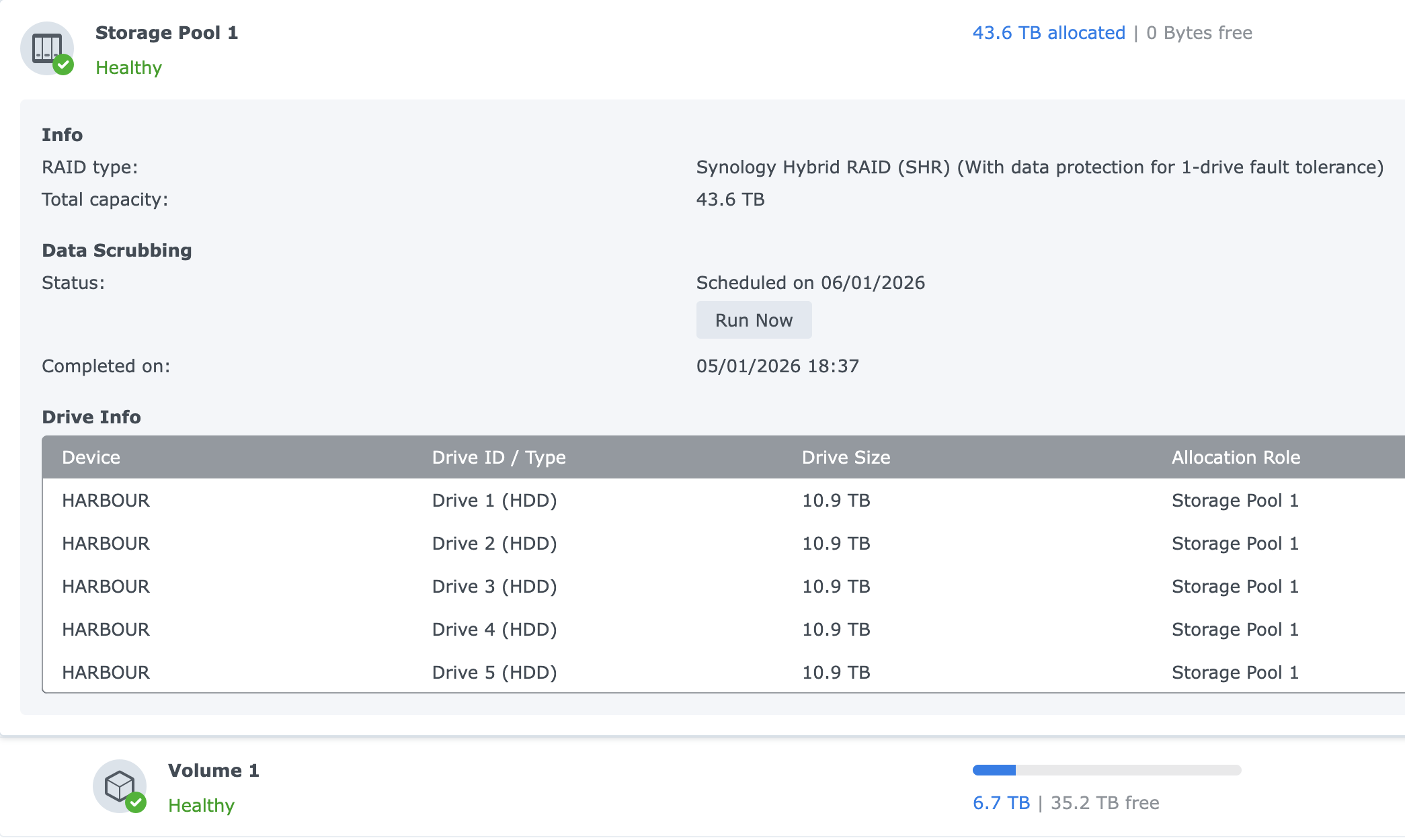
Plenty of NAS units can store files. After putting the time into researching which NAS to purchase 10 years ago, I decided on Synology. The Synology hardware is specifically designed to meet the demands of photo and video work, not just generic file storage. My first NAS was the DS1817+, an 8-bay unit that I’ve been running for almost a decade. Rather than going with another 8-bay unit, I swapped out my DS1817+ with the new 5-bay DS1525+ to take advantage of the many upgrades it has to offer from being a newer unit. I went with a smaller NAS but filled it with larger 12TB drives to give me the same amount of storage that I had with the DS1817+ filled with smaller drives.
Here are a couple of key upgrades:
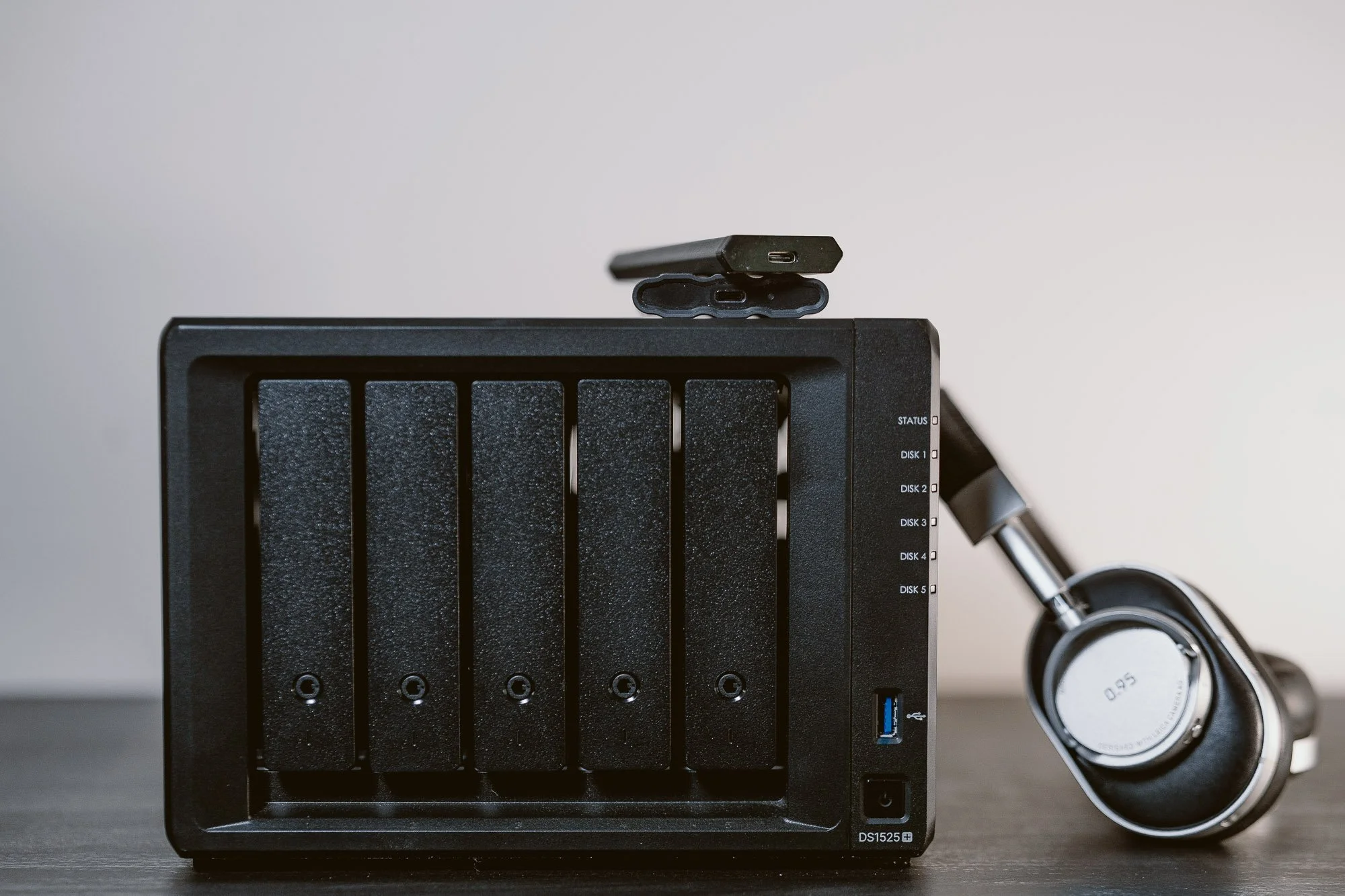
Processing power and ECC memory: The DS1525+ runs on a quad-core AMD Ryzen V1500B processor with 8GB of ECC RAM, expandable to 32GB. ECC — error-correcting code — memory detects and fixes single-bit memory errors before they corrupt data in transit. This matters more than it sounds: when you're streaming 100MB RAW files or 4K ProRes dailies across a network continuously, even rare memory errors can silently corrupt footage. ECC is standard on server hardware for exactly this reason, and it's increasingly common on quality NAS units like this one.
Built-in NVMe SSD caching: Two M.2 NVMe slots are built directly into the DS1525+ without using any of your drive bays. Install a pair of NVMe SSDs and DSM will use them as a read/write cache for the spinning disk pool. The practical effect: Lightroom catalog access, Capture One thumbnail generation, and Finder browsing of large folders all feel dramatically faster. The mechanical drives are doing the long-term storing; the NVMe cache is handling the rapid, repeated file lookups that creative apps constantly demand.
Features Beyond Backup
A NAS at this level does considerably more than store and backup files. A few features worth highlighting for creative professionals:
Remote access and client sharing. Synology Drive — the companion app for desktop and mobile — gives you access to your full archive from anywhere with an internet connection, without relying on a third-party cloud service. More usefully for client work, you can generate password-protected download links for specific folders directly from the NAS. No more Dropbox subscription needed. A client or affiliate gets a link, they download their files, simple as that.
Active Insight. Synology's cloud-based monitoring service tracks drive health across your system and flags issues — unusual temperatures, SMART errors, degraded RAID states — before they become failures. For a working professional, early warning on a dying drive is worth more than any single hardware feature.
Who Should Make the Move — And Who Can Wait
The DS1525+ at $799 diskless is an investment, and that’s without drives. Let’s say you went with 6TB HDD’s, which would give you 20TBs of useable storage with a one drive failsafe, you would be looking at around $2400 total. You can also opt for a smaller NAS to cut down on cost or smaller drives if you don’t need 20TBs of storage. Think of it the way you think about quality glass or a reliable backup body: the cost is real, but so is the cost of not having it when something goes wrong.
Upgrade now if: your archive is over 4TB and growing, you're shooting for paying clients, you work with a team or send files to collaborators, or you’re simply looking to get started with a real back up system that’s built to last for years to come.
Consider waiting if: you're a hobbyist shooting under 2TB total with a solid cloud backup already in place.
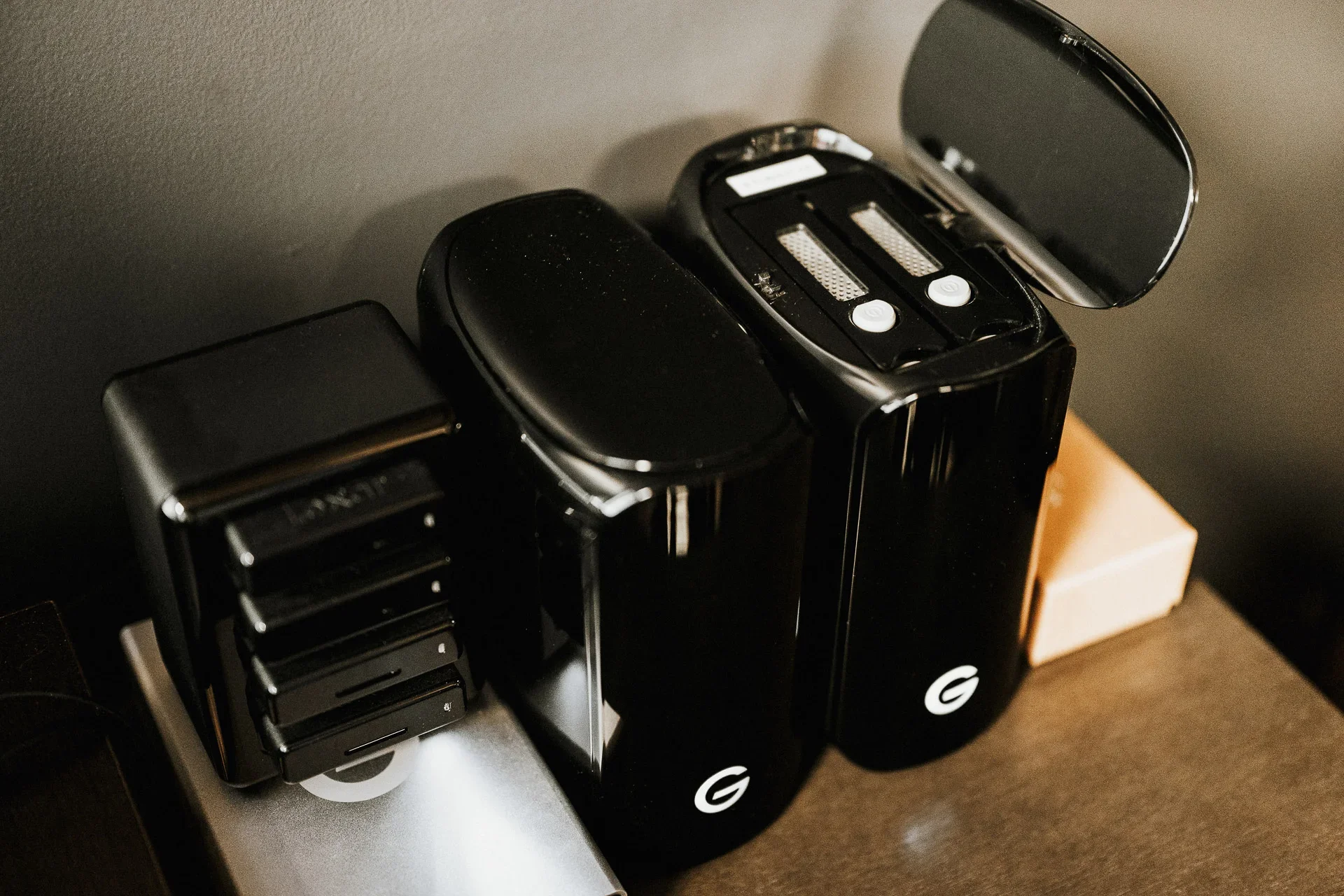
My first attempt at a backup system
MY PERSONAL backup solution
I started investing into my backup system almost 10 years ago so my setup is a little overkill for most creatives. I’m currently running two NAS units, the newly installed DS1525+ which I use for my wedding studio work and a DS1618+ which I use for commercial video work. I store all of the current year’s wedding work on a 4-bay RAID array that gets backed up to Backblaze cloud storage. You don’t necessarily need a RAID like I’m using, a single external drive can be used the same way. This would give you one copy on your memory cards, a 2nd on your NAS, a 3rd on your external drive and one offsite backed up to a cloud service like Backblaze. The other option is to have your Synology NAS backed up to cloud storage. Once everything is delivered via an online gallery, memory cards go back into circulation.
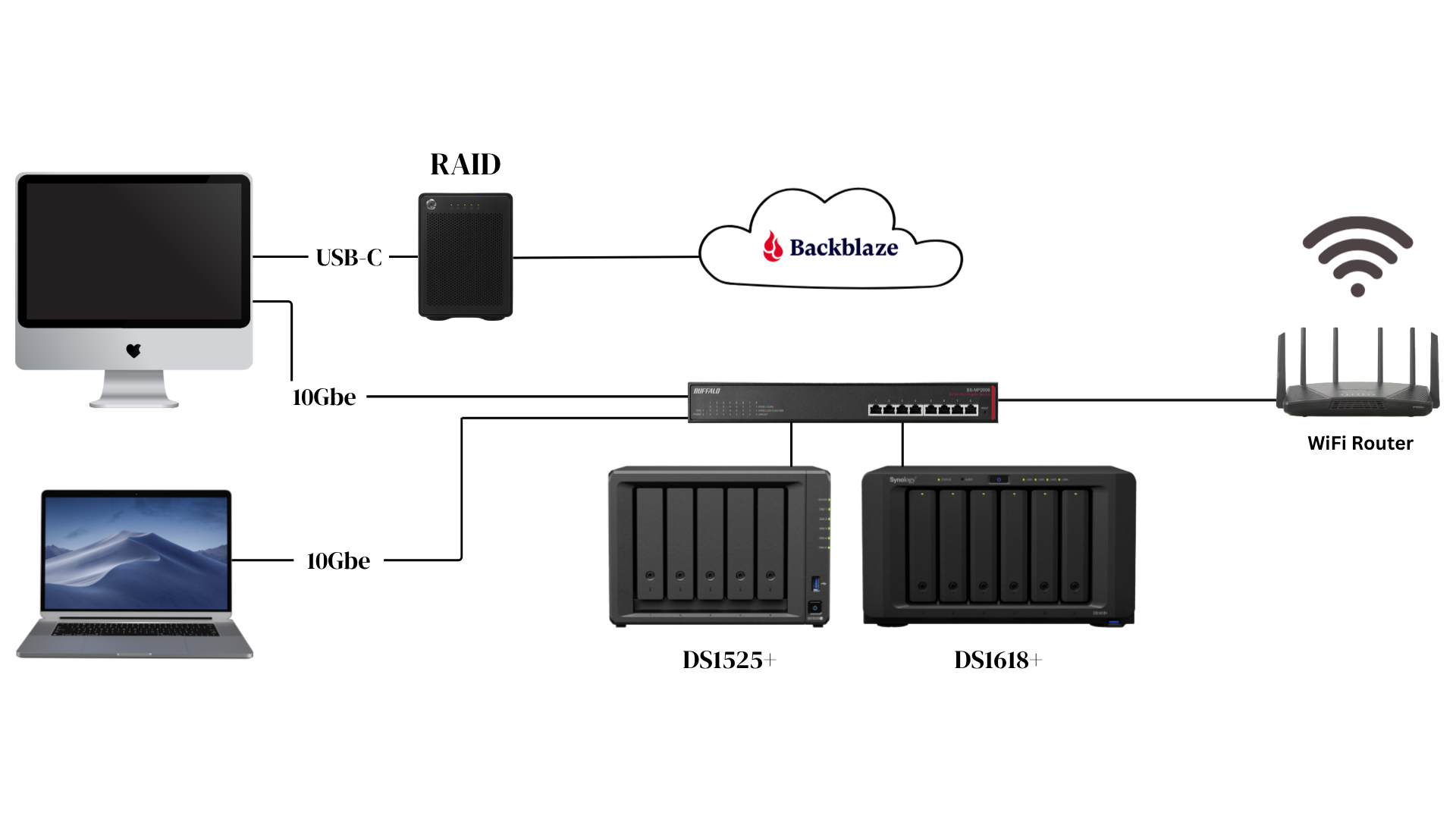
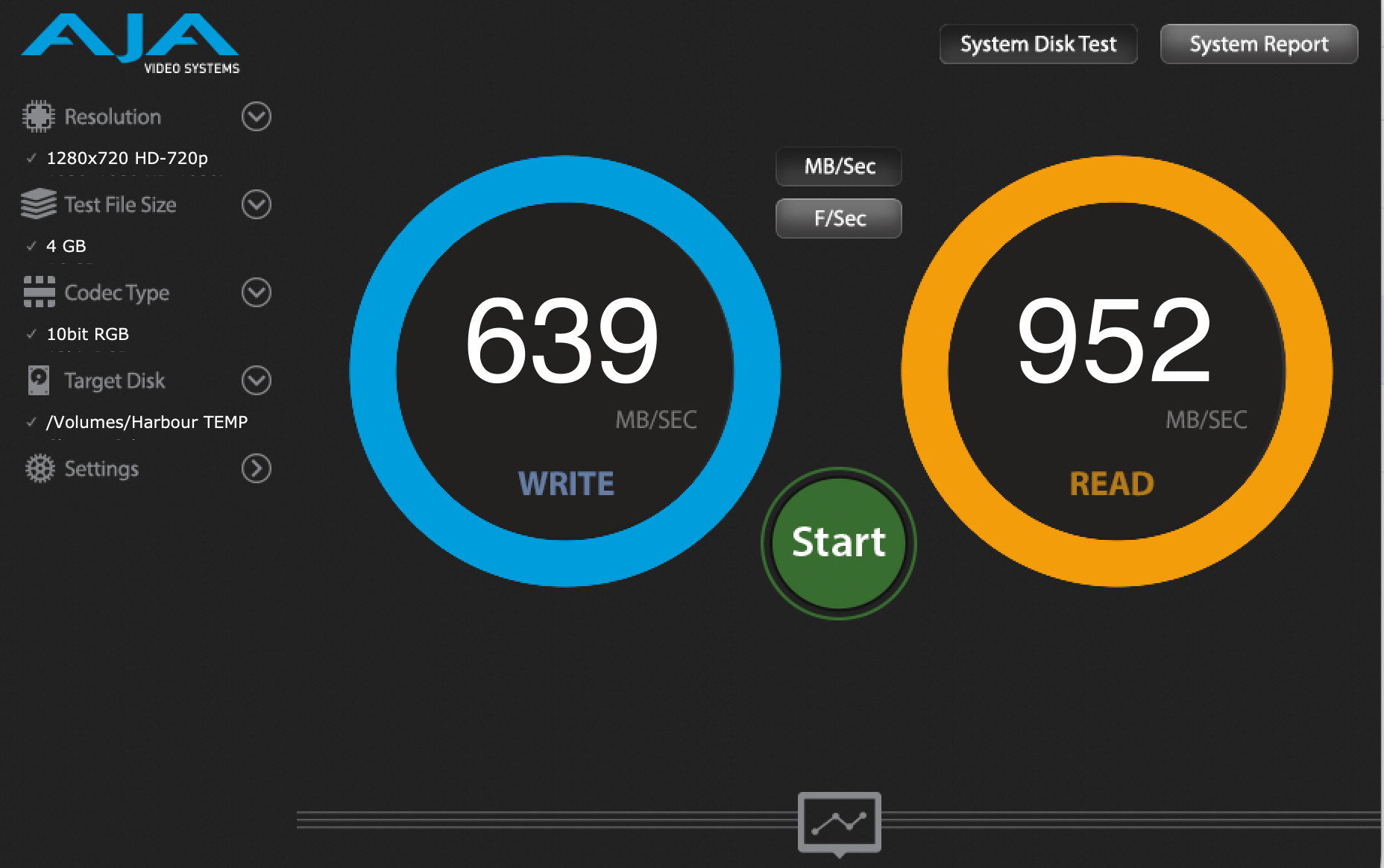
Current Network Speeds
The Bottom Line
A NAS isn't a storage upgrade. It's an infrastructure upgrade — the difference between hoping your files are safe and knowing they are. The Synology DS1525+ brings ECC memory, NVMe caching, multi-gigabit networking, and a mature software ecosystem together in a package that fits on a desk and runs quietly in the background. Paired with the 3-2-1 backup methodology, it turns a patchwork of external drives into a real, professional archive.
Your clients are paying you with the understanding that their files are securely backed up and safe from disaster striking. This is how you make sure that they are.